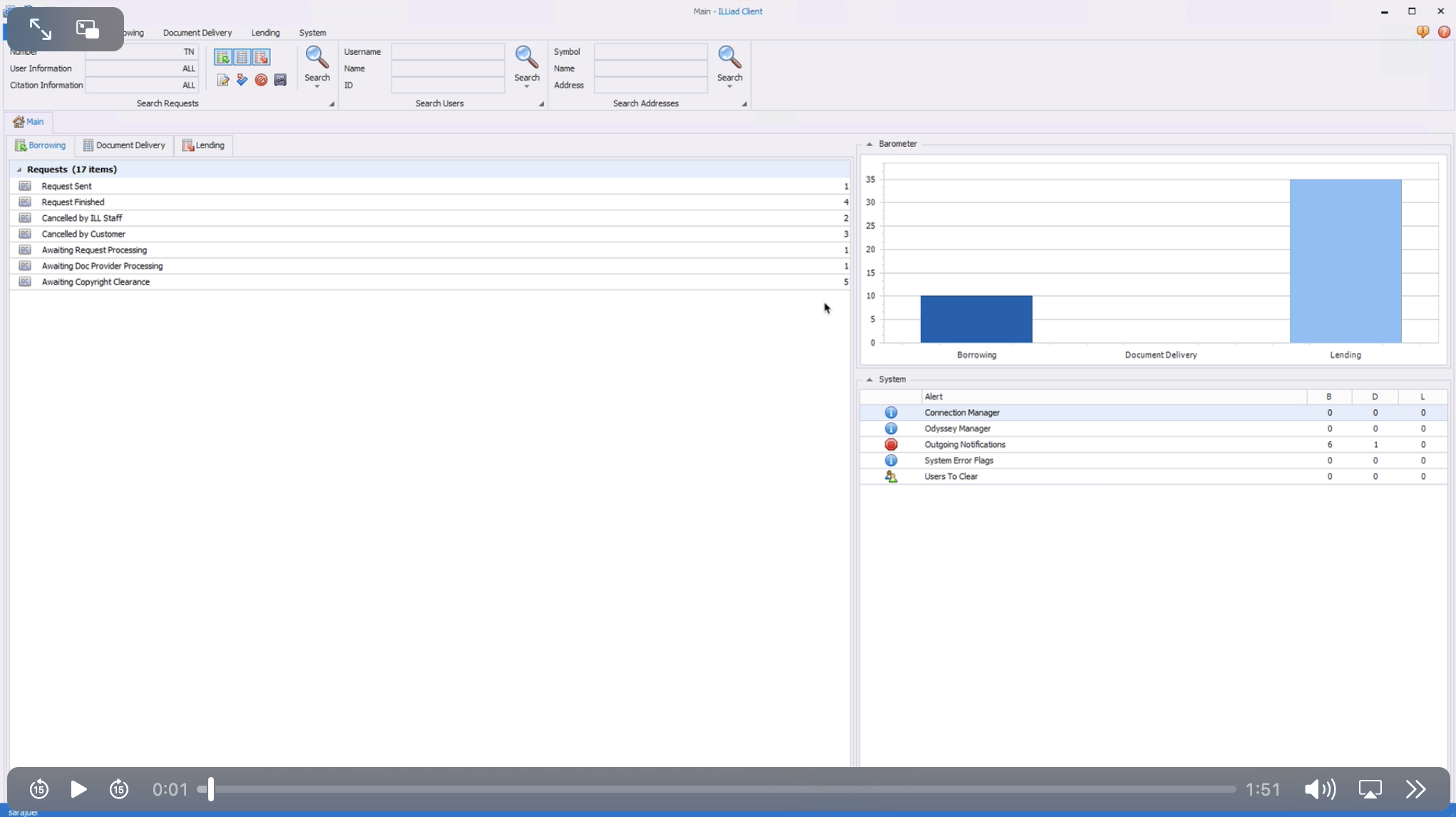
Checking Requests That Have Not Been Imported
If by chance you forgot to click the import and receipt current page button before closing the window on the print receipt page, you can still receipt and import the request.
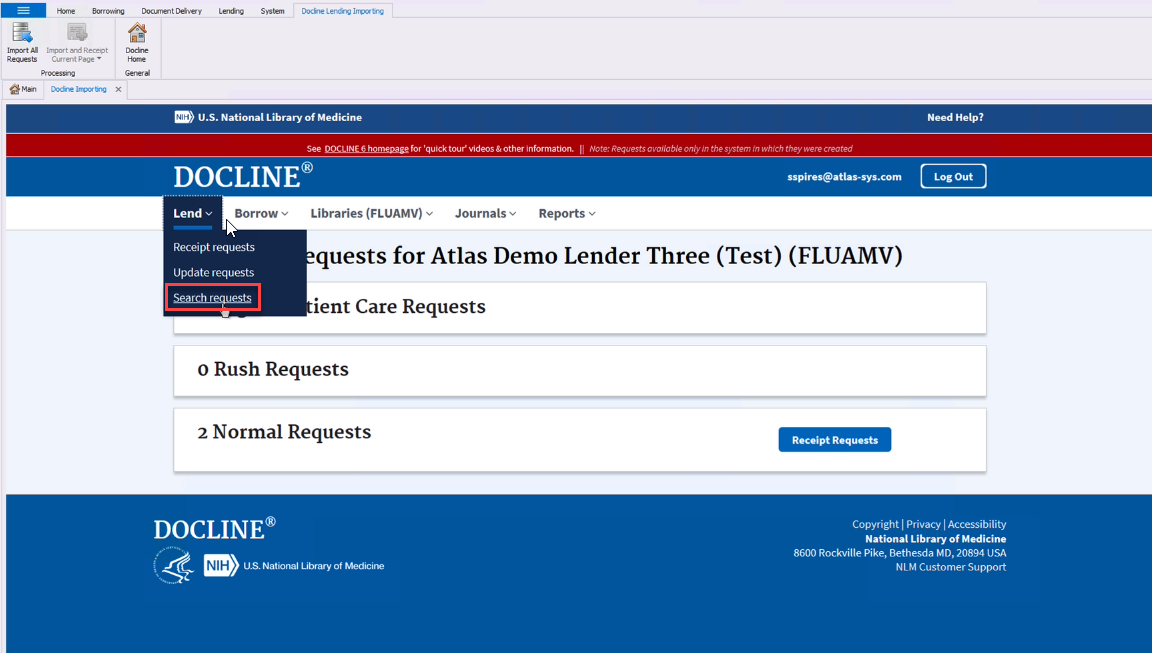
- These requests can be located by clicking the Lend drop-down on the main Docline page, then selecting Search Requests.
- Under the Other header, select the Request Status Pending Receipt or Update status in the drop-down.
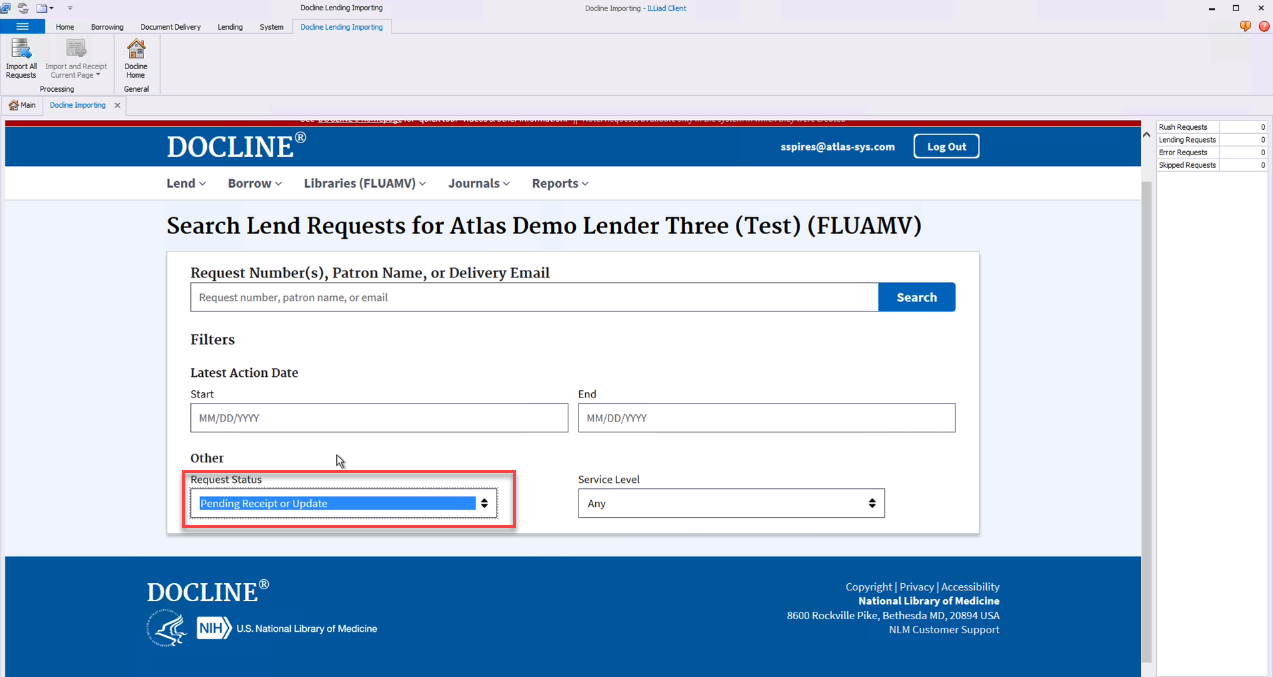
- Click Search.
- You can choose to either click the record title to process individually or you click the Select All button and then, the Print Selected button.
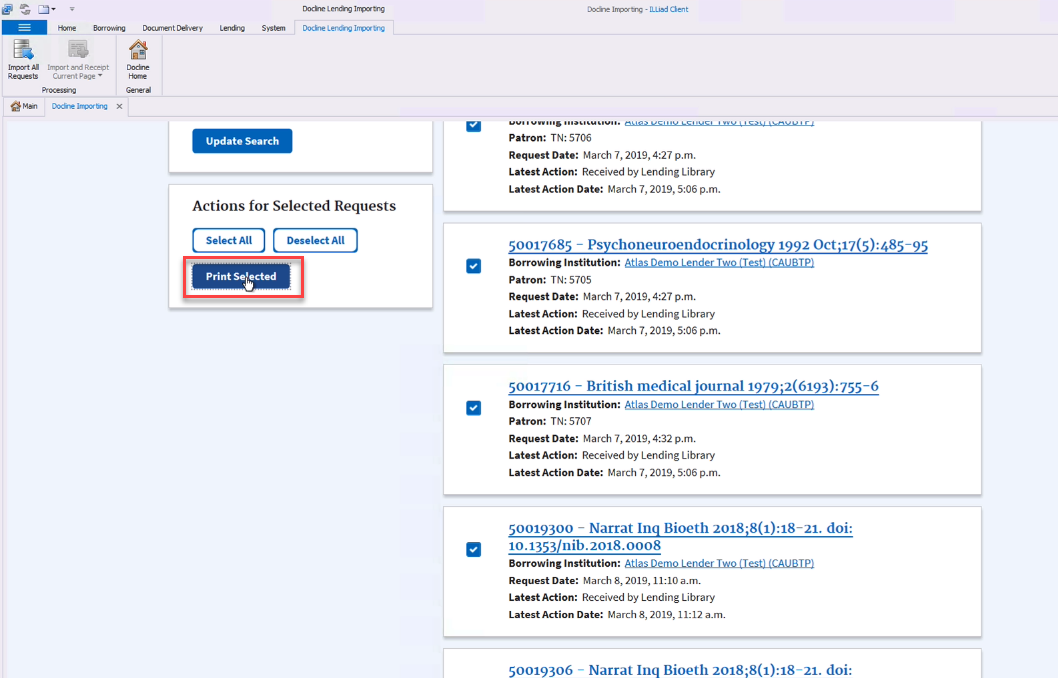
- Finish processing the request as you would normally.