Creating and Submitting a Photoduplication Order

warning
Note: Request processing functionality is currently only supported in the Aeon Desktop Client and cannot be performed from the Aeon Web Client.
info
Researchers can submit photoduplication requests on the web. See Submitting Photoduplication Requests for more information
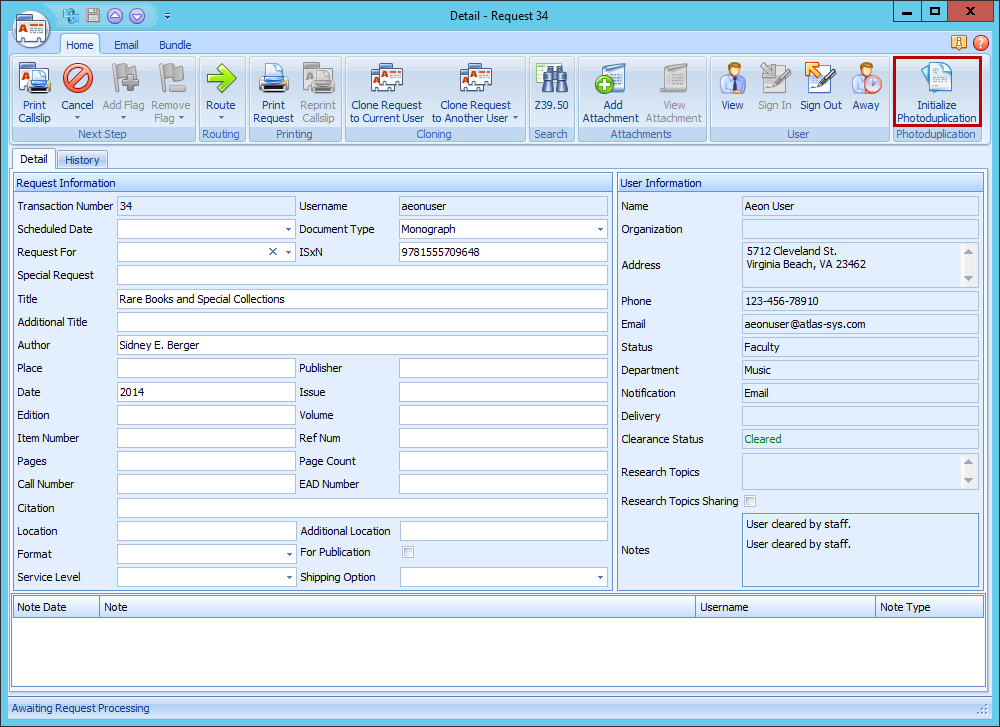
Staff can submit photoduplication requests for a researcher in the Aeon Desktop Client.
- Open the Request form for the request in the Aeon Desktop Client.
- Click Initialize Photoduplication.
- The photoduplication process will be started.