Batch Processing Flags
You can add flags from multiple Items with batch processing.
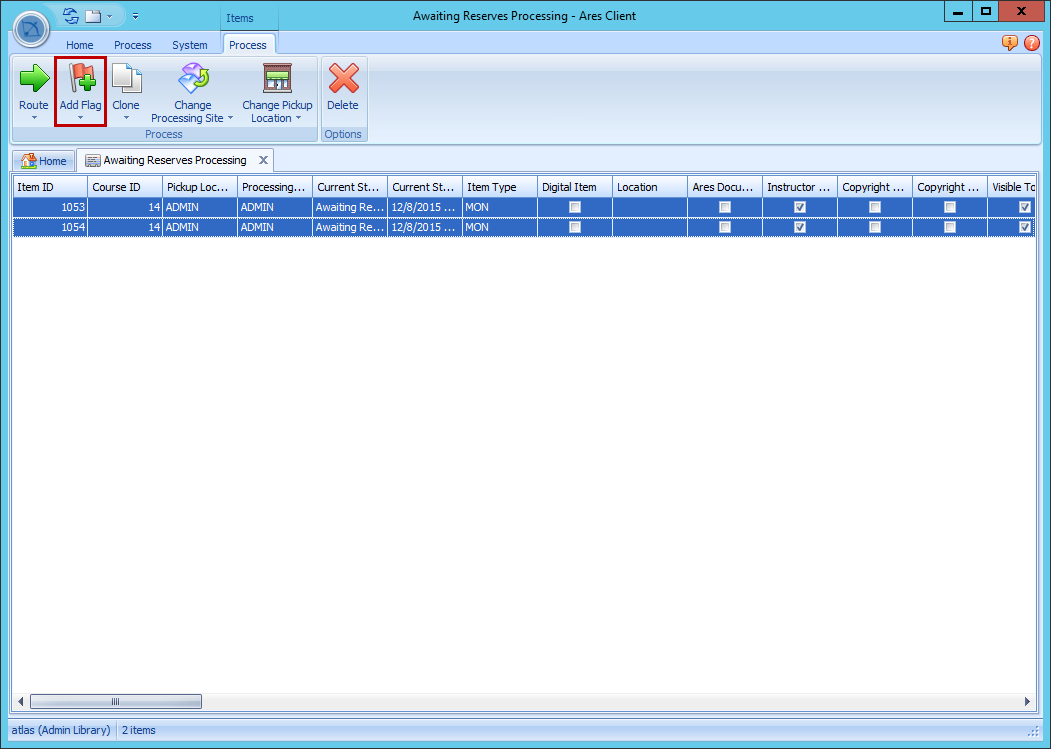
- From the Ares main screen, double-click to open a queue. If more than one request is in the queue, a grid will appear.
- From the grid, select one or more requests.
- Click Add Flag then select the flag you want to add to the selected requests.
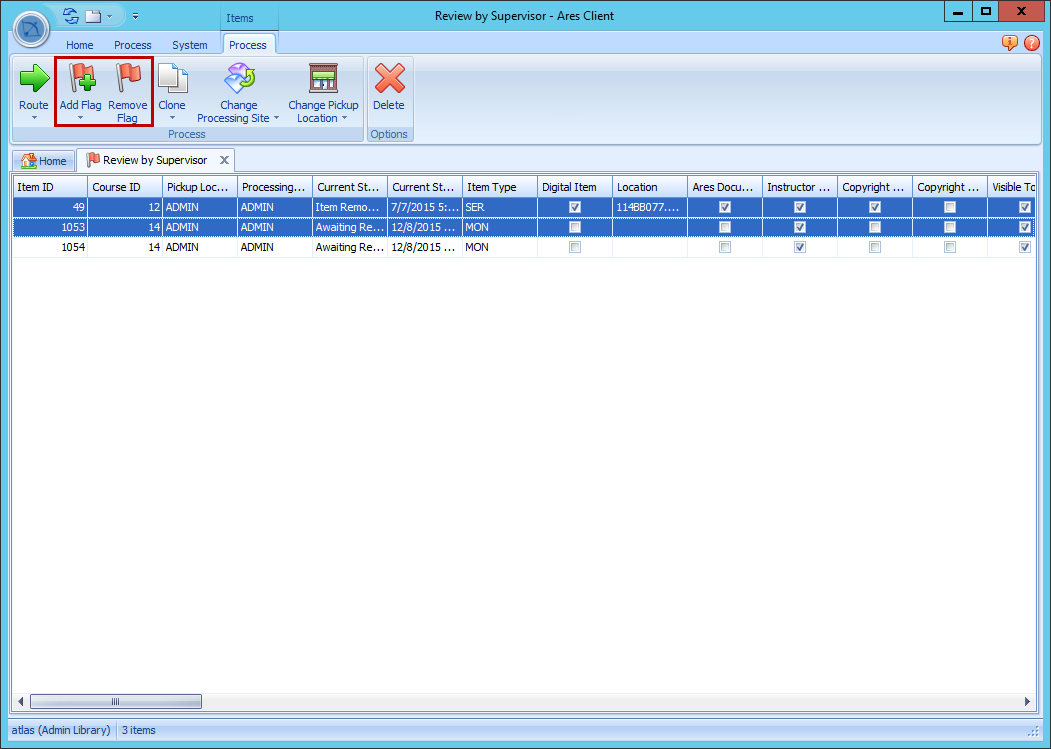
Adding and Removing Flags from a Flag Queue
You can open a flag queue to view all requests marked with that specific flag.
- From the Ares main screen, double-click to open a specific flag queue. These queues have a flag symbol next to their name.
- Select one or more requests from the grid.
- To add additional flags to the requests, click Add Flag and select a flag to add.
- To remove a flag from the requests, click Remove Flag.