Saving Layout Changes
Saving Changes to Grid Layout
Changes to grid layout can be saved manually by clicking the Ares Icon and selecting Save Layouts.
Saving Changes to Form Layout
Changes to form layout can be saved manually by clicking the Ares Icon and selecting Save Layouts.
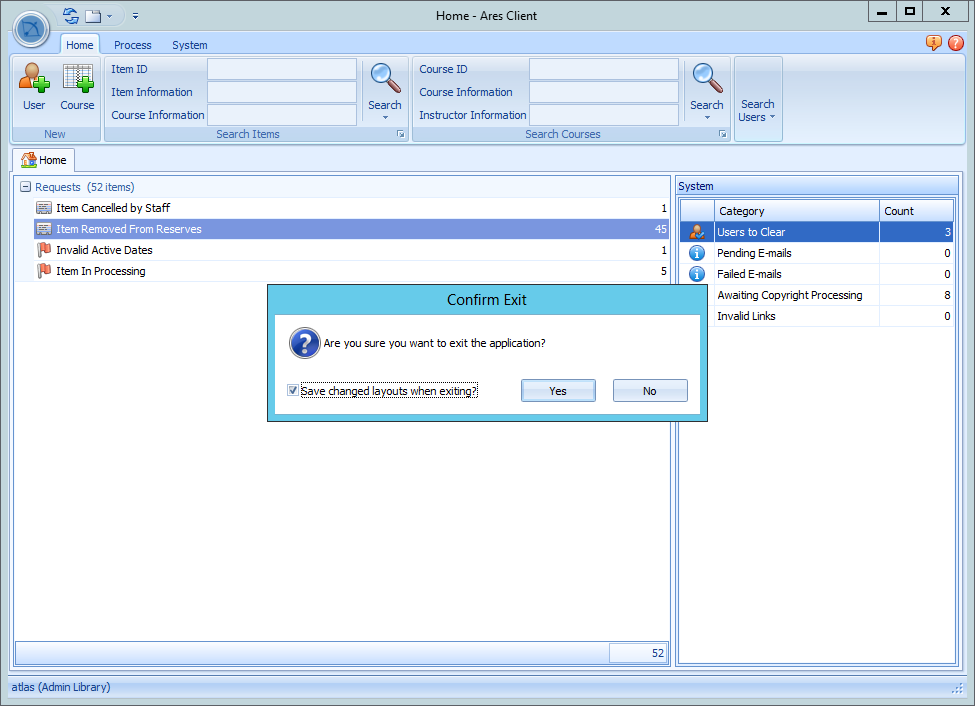
- When exiting the client or using Quick User Switching after changes have been made to the layout of any forms or grids, a checkbox prompt displays asking if you want to save the changed layouts upon exiting.
- Check the box to save your changes.