Exporting Data from Grids
Data can be exported from Aeon Desktop Client grids and saved in various report formats. Staff users must have the appropriate user permissions in the Staff Manager to export data from a grid. You can export data in Excel, PDF, HTML, or TXT format. The exported file retains the column ordering and grouping of the data. To export grid data:
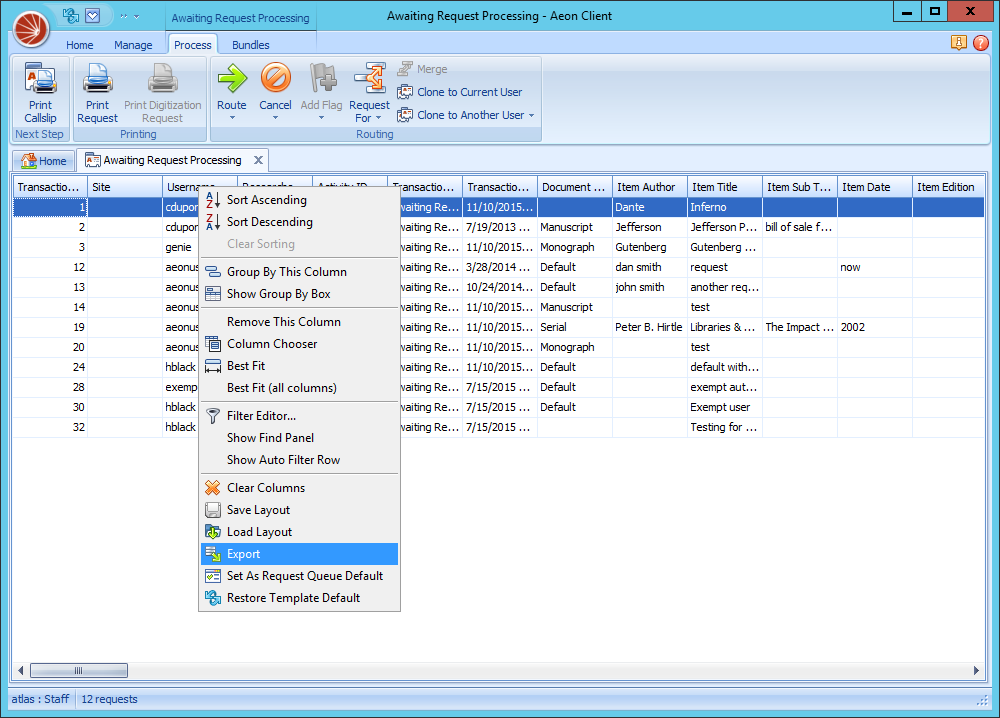
- Right-click on any column header and choose Export.
- Save the file in the format you choose. Default location is C:\Program Files (x86)\Aeon\Client.