Ares Atlas BI
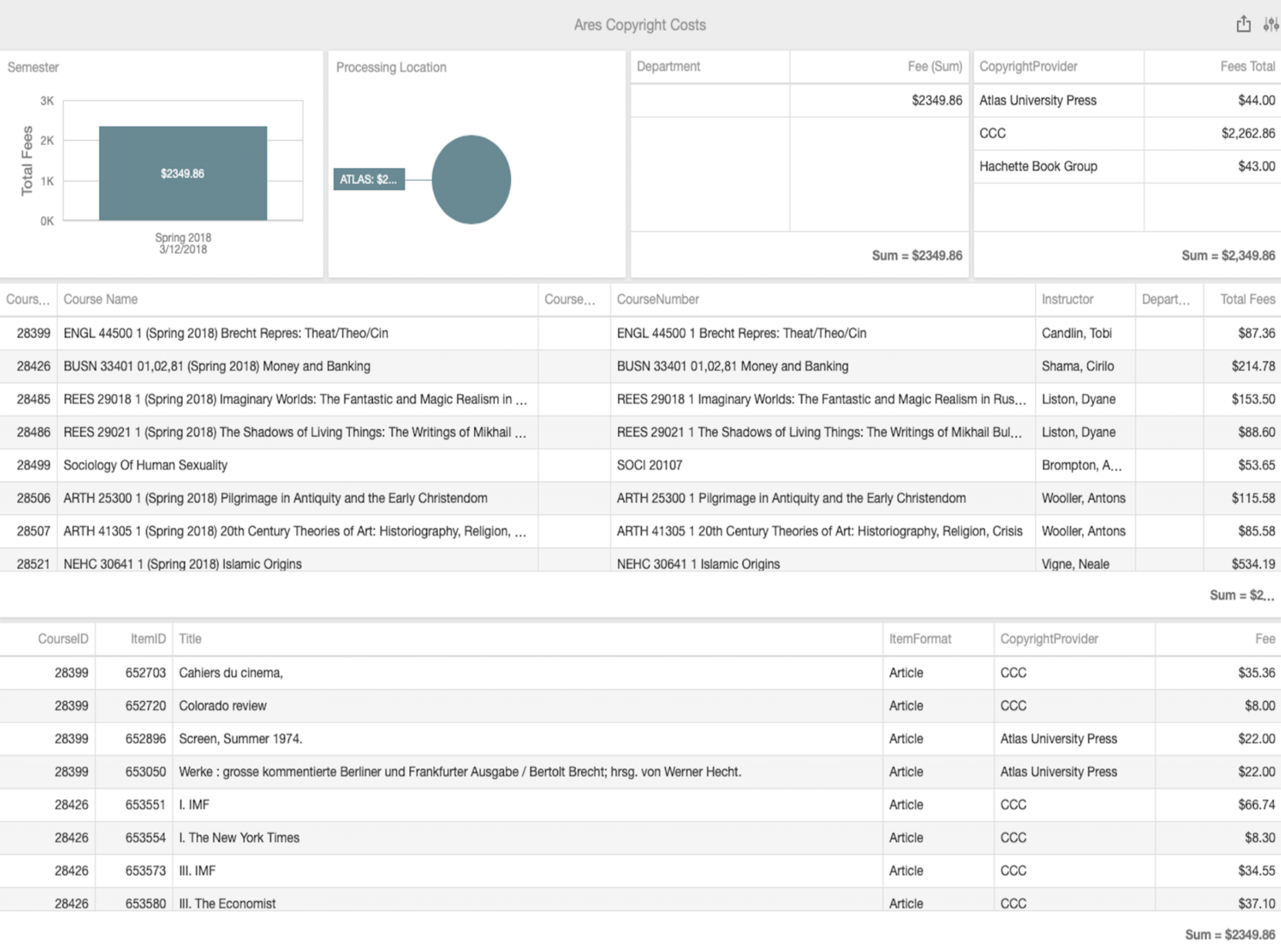
Ares Copyright Costs
This dashboard shows the items with any copyright fees associated with them.
- By default items displayed in this report are from semesters with a start date within the last two years. Please see Atlas BI Basics for instructions on how the value can be changed in the parameters.
- The results for the processing location, department, and copyright provider can be narrowed down by clicking on the individual semester (or more).
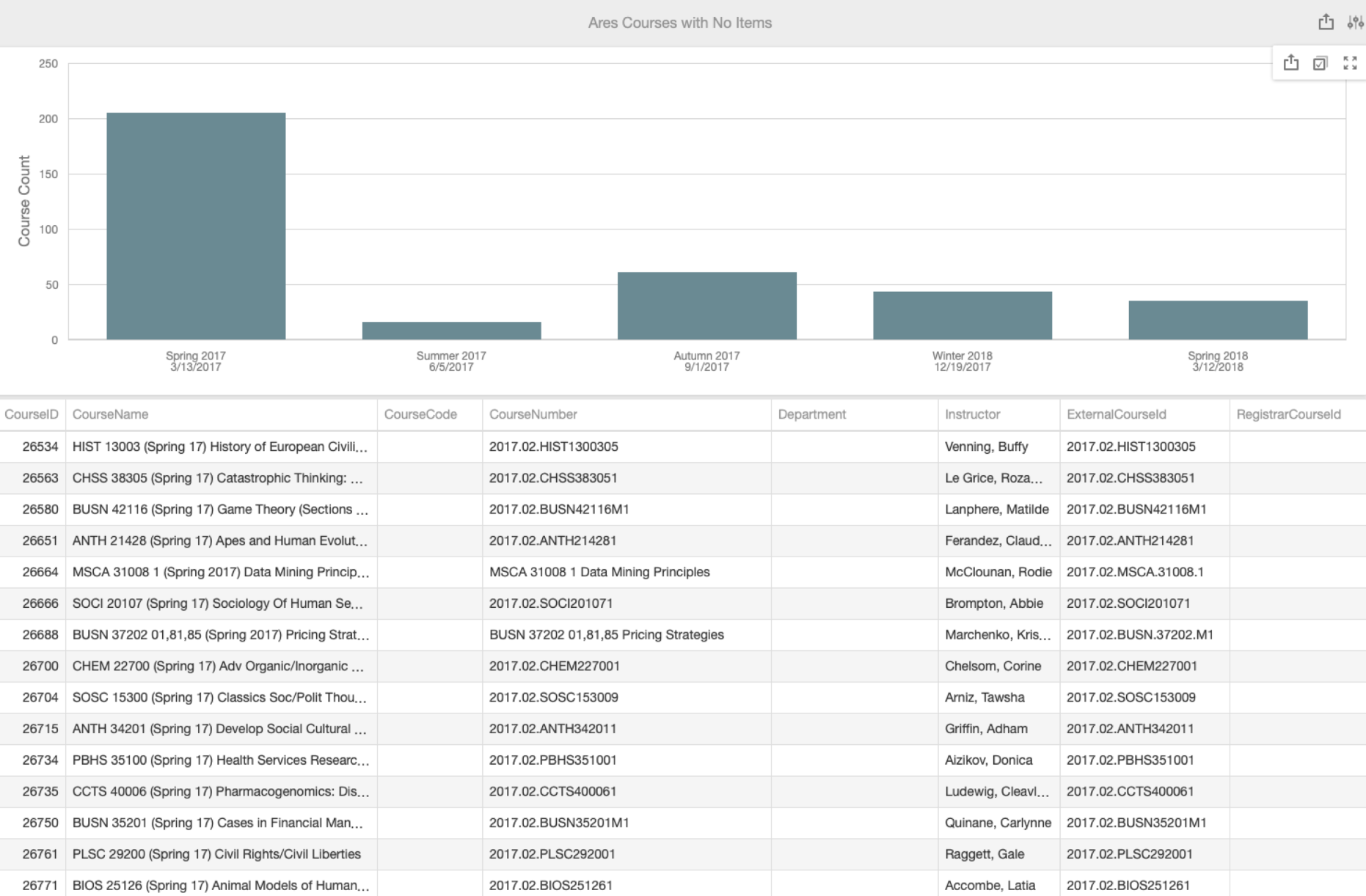
Ares Courses with No Items
This dashboard lists the courses that exist with no items associated.
- It defaults to showing items that are from a semester with a start date within the last two years. The value default can be changed in the parameters.
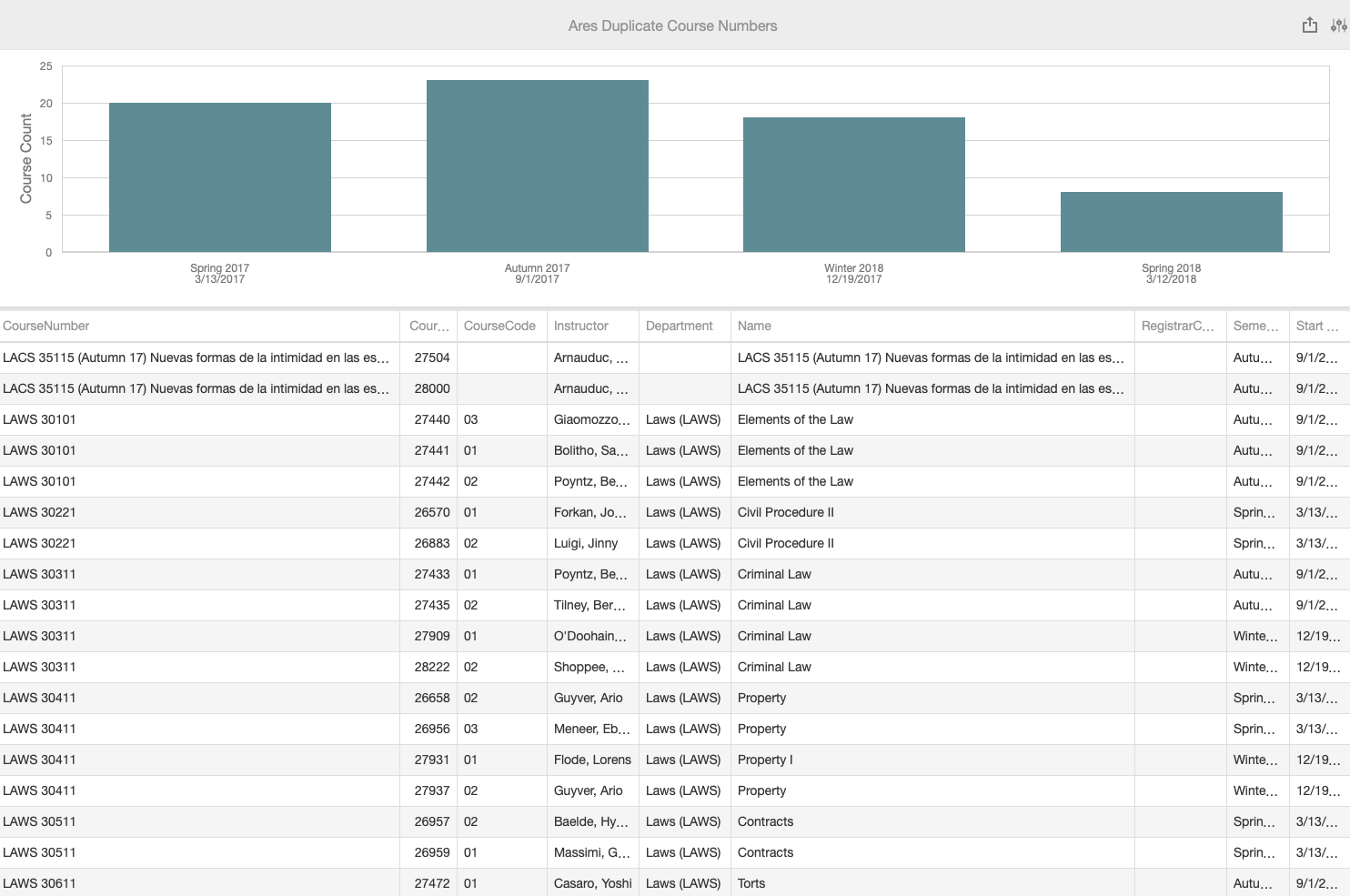
Ares Duplicate Course Numbers
This dashboard shows courses that have more than one course for the same course number and semester.
The course number field must not be blank.
- It defaults to showing items that are from a semester with a start date within the last two years. That value can be changed in the parameters.
- The dashboard does not show any courses from semesters named “Cancelled Classes” or “Permanent Reserves”.
Ares Item Web Usage Analytics
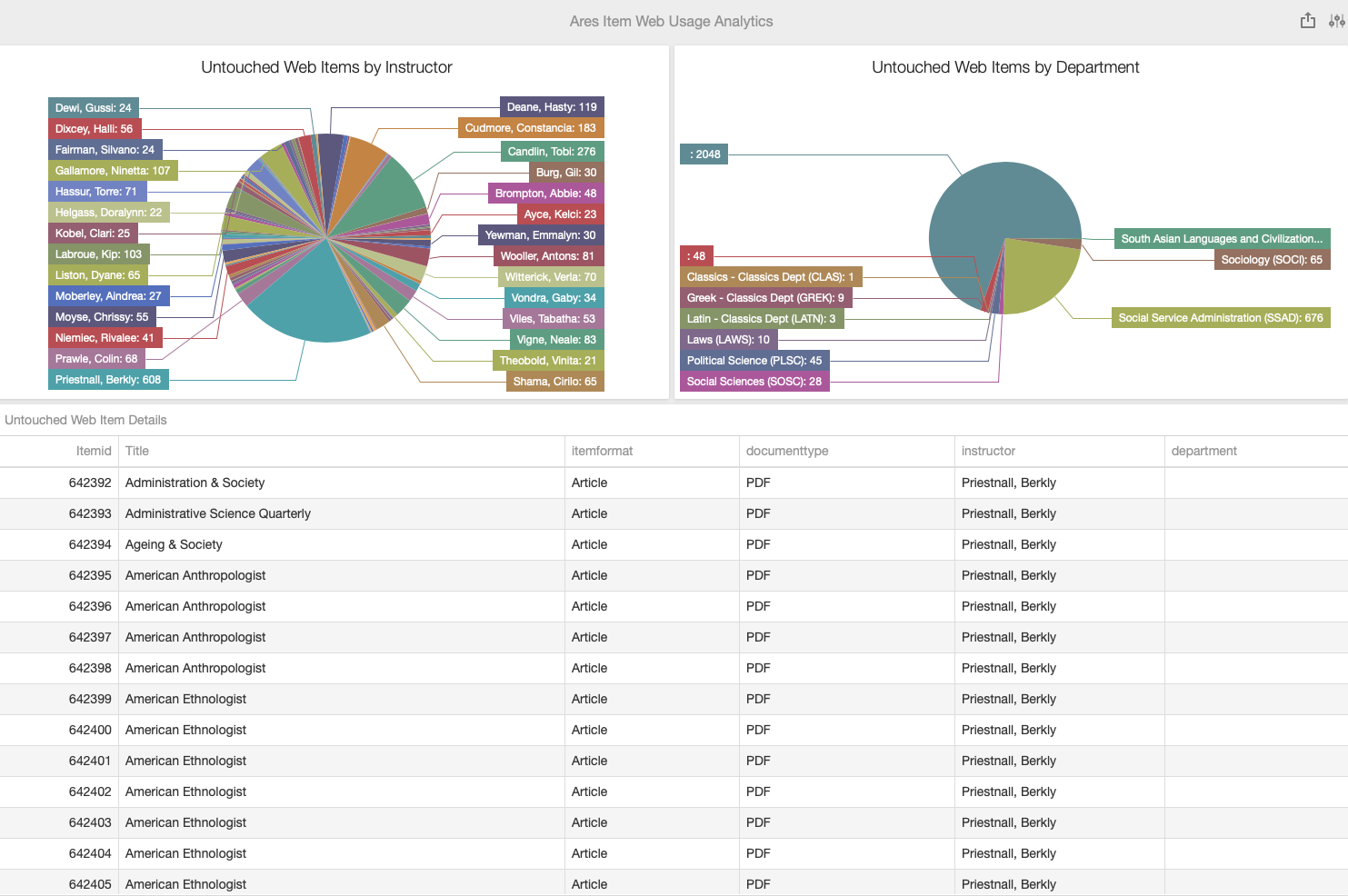
This dashboard shows the items with no web usage for a particular semester.
- The semester has to be chosen from the parameters in the top right.
- The two pie charts break down the items by the instructor (value from courses table) and department.
- The specific items are listed in the grid.
Ares Purchased on Demand
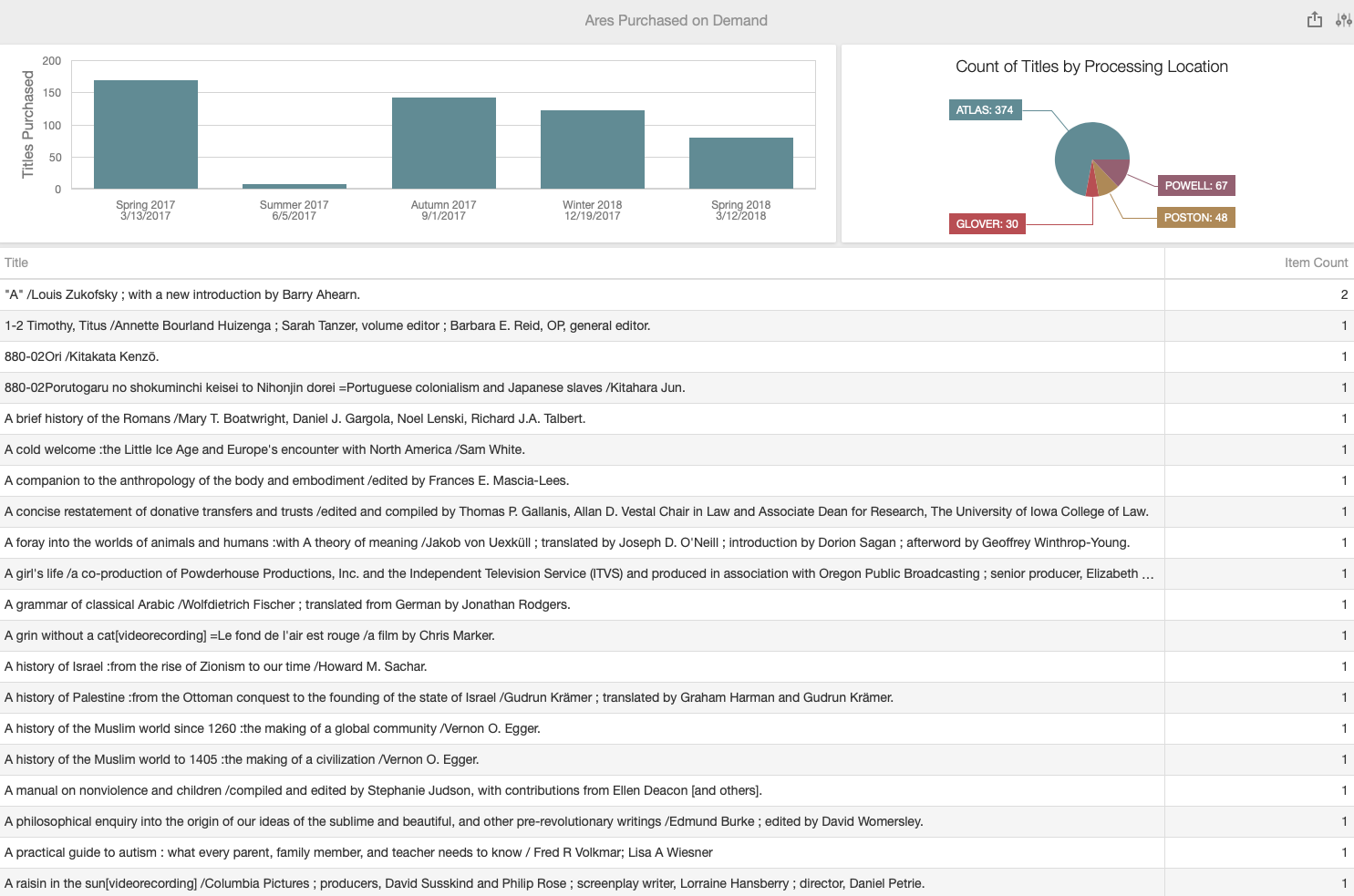
This dashboard shows all items that ever were routed to “Awaiting Acquisitions Fulfillment” that are not cancelled.
- It defaults to showing items that are from a semester with a start date within the last two years. The value can be changed in the parameters.
- The results can be filtered by one or more semester as well as the processing location.
Ares Reserve Item Analytics
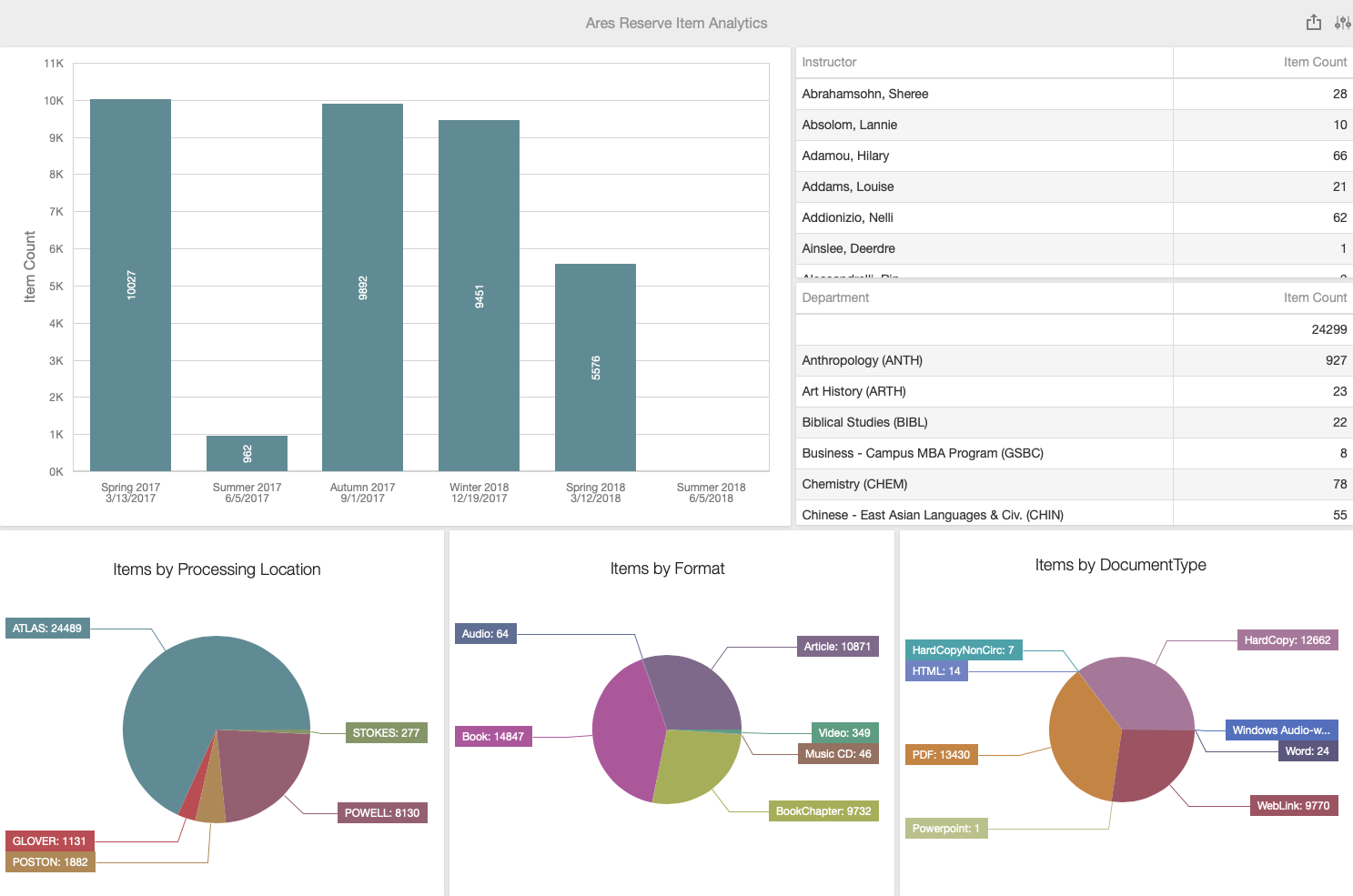
This dashboard shows items on reserves broken down by several factors: processing location, item format, document type, instructor, department, and semester.
- It defaults to showing items that are from a semester with a start date within the last two years. The value can be changed in the parameters.
- Clicking on the values on any of those sections will filter the results.
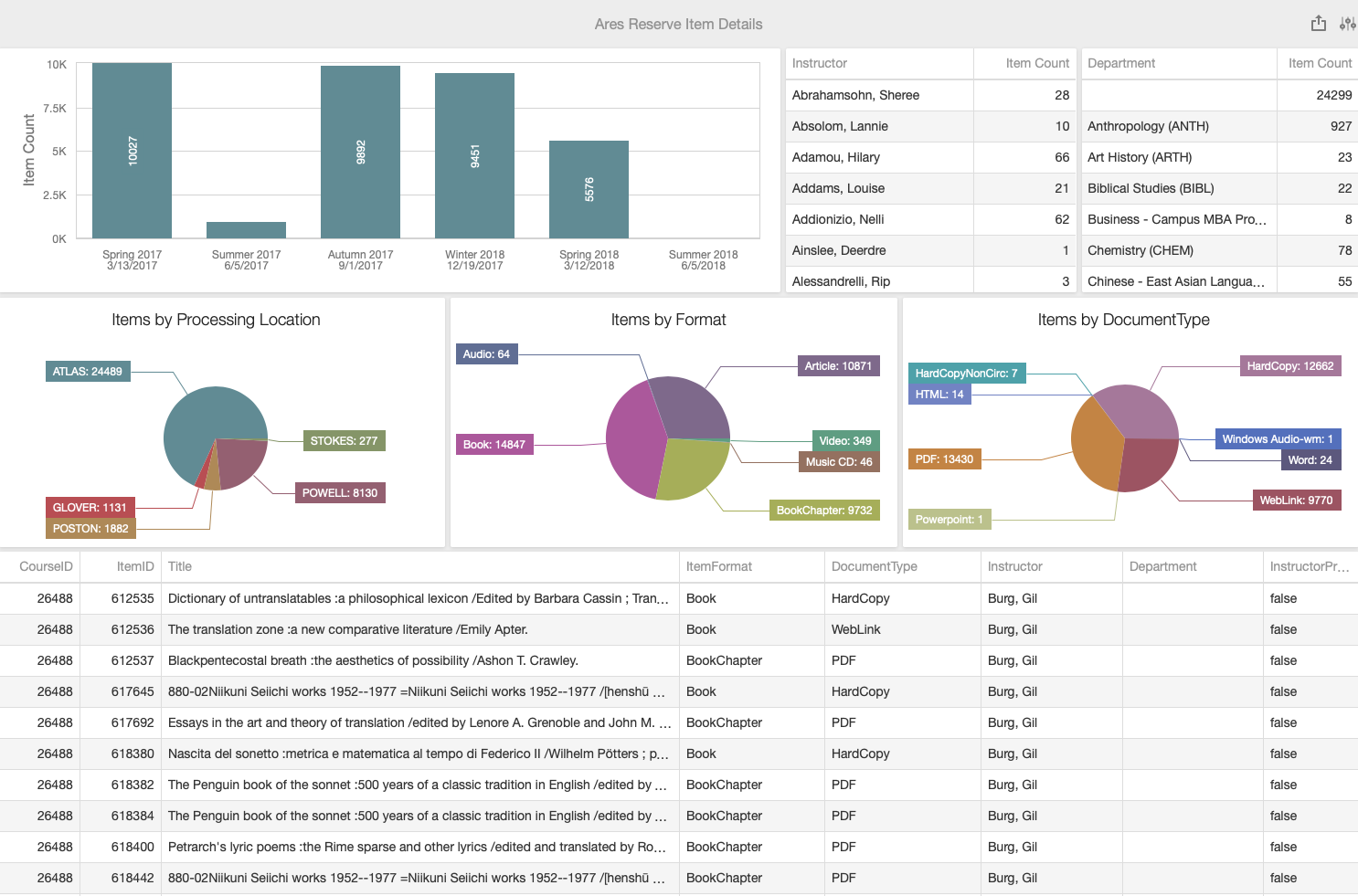
Ares Reserve Item Details
This dashboard shows items on reserves broken down by several factors: processing location, item format, document type, instructor, department, and semester.
- It defaults to showing items that are from a semester with a start date within the last two years. The value can be changed in the parameters.
- Clicking on the values on any of those sections will filter the results.