Emails and Email History
Every email Aeon sends about a researcher — clearance notices, request updates, appointment confirmations, anything you send by hand — is logged on their record. The user record gives you both halves of that picture: the Emails tab shows the history of what's already gone out, and the Email action in the toolbar sends a new one.
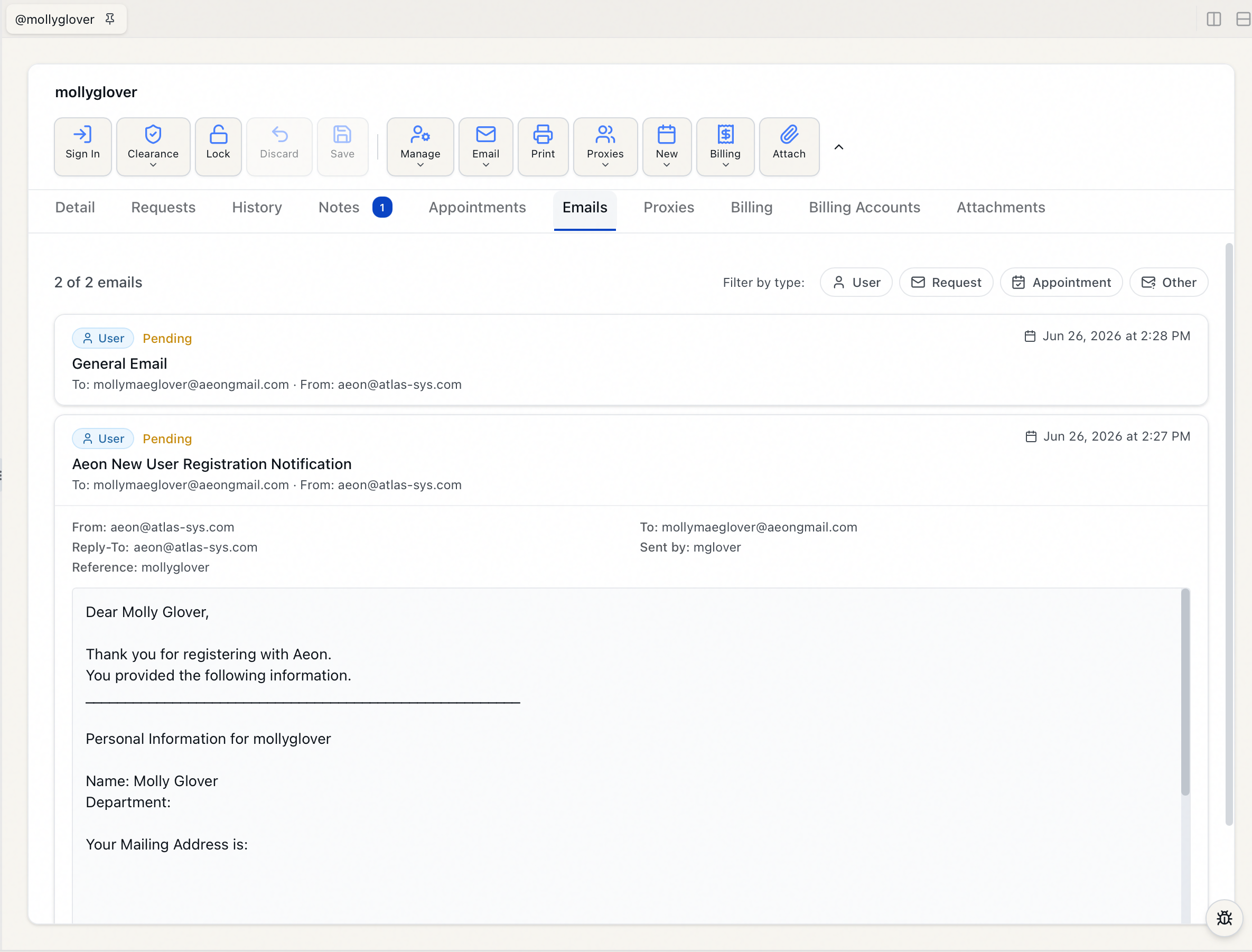
Both are documented in full under Communication, alongside the rest of Aeon's email workflow:
- Email History for a User — opening the Emails tab, what each card shows, filtering by type, expanding an email to read it in full, and paging through a long history.
- Composing and Sending Email to a User — sending from a template or a blank message, what the compose dialog holds, and when the Email action is unavailable.
Permissions in brief
Reading a researcher's email history is part of viewing their record — if you can open the user, you can read it. Sending requires the Edit level of the Email permission. Both pages above cover the details.