Changing User Password on the Web
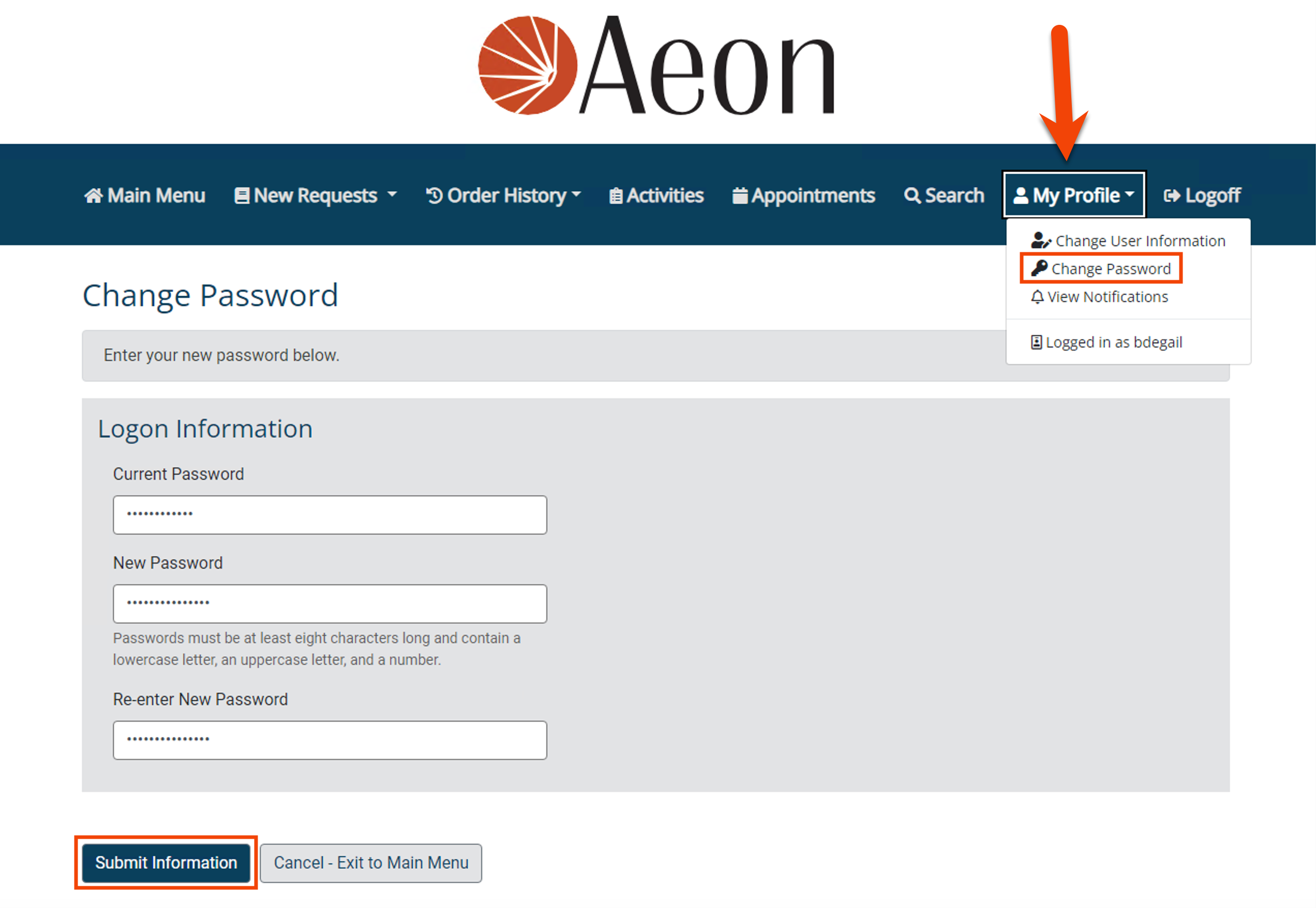
Users can change their password at any time using the Change Password link under the My Profile dropdown in the navigation menu on the Aeon web interface. After entering the current and new password, and verifying the new password, click the Submit Information button to save the changes. These changes are tracked in the User Change History section of the user record in the Staff Client.