Saving Custom Search Queries
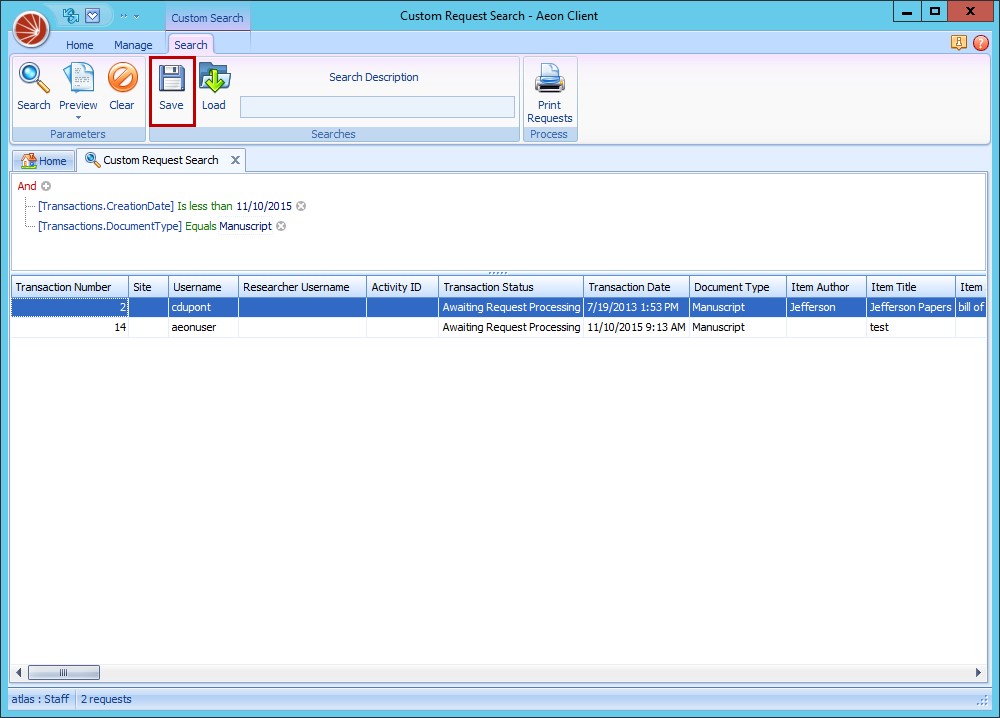
You can save your custom search queries using the Aeon Desktop Client:
- Make sure all the query parameters are set in the custom search screen.
- Click Save.
- A box will open to allow you to choose the location to save the query. The default is the Aeon\Searches under the logged-in user's My Documents folder.
- Click Save. The query will save as an .arp file, which is a special Aeon report file.